Home
User Guides
Developer Onboarding
Developer App Management
Account Information Service (AIS) flow
MTLS - Certificate Addition
Letter Of Guarantee flow
PIS - Payments flow
PIS - Refunds flow
PIS - Request To Pay flow
Core Bank - Reference Bank to simulate Core Banking
Consent Module
Admin Module for Bank administrator users
FAPI Conformance Test Suite
Testing Guides
Standards
Certifications
FAQs
PSU Authentication Flow
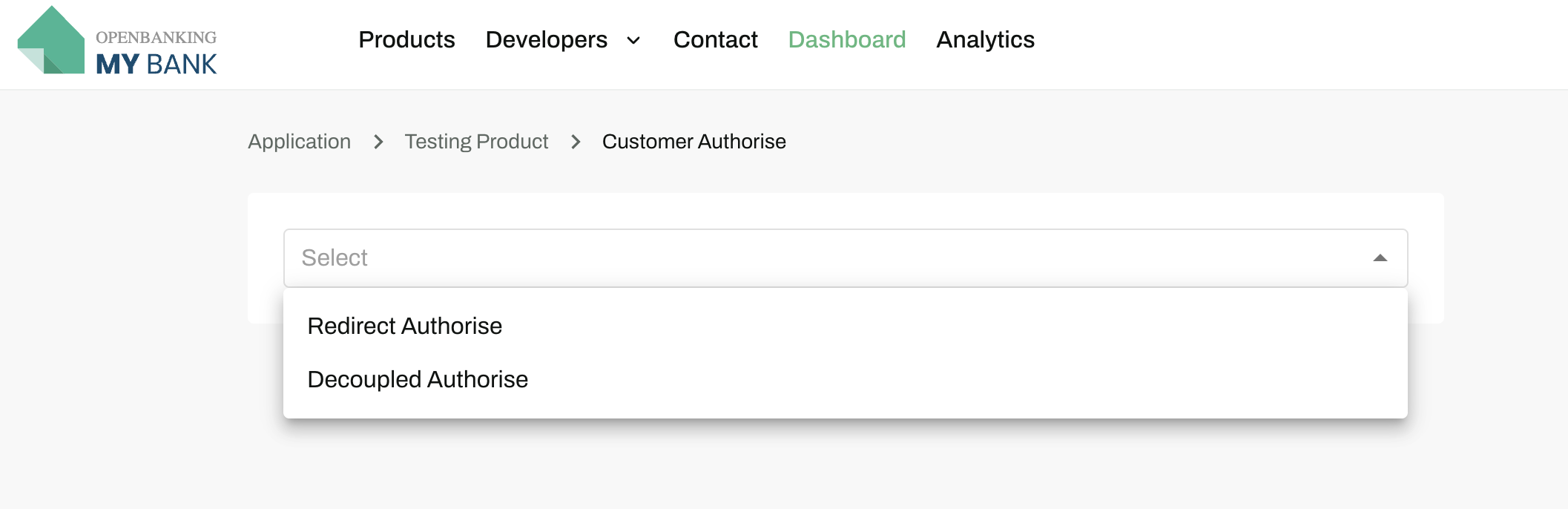
Select the type of PSU authentication flow to proceed further - Redirect Authorise or Decoupled Authorise
Redirect Authorize Flow
- Select Redirect Authoriseand enter the app-secret to redirect to the Core Bank portal for PSU authorisations flow.
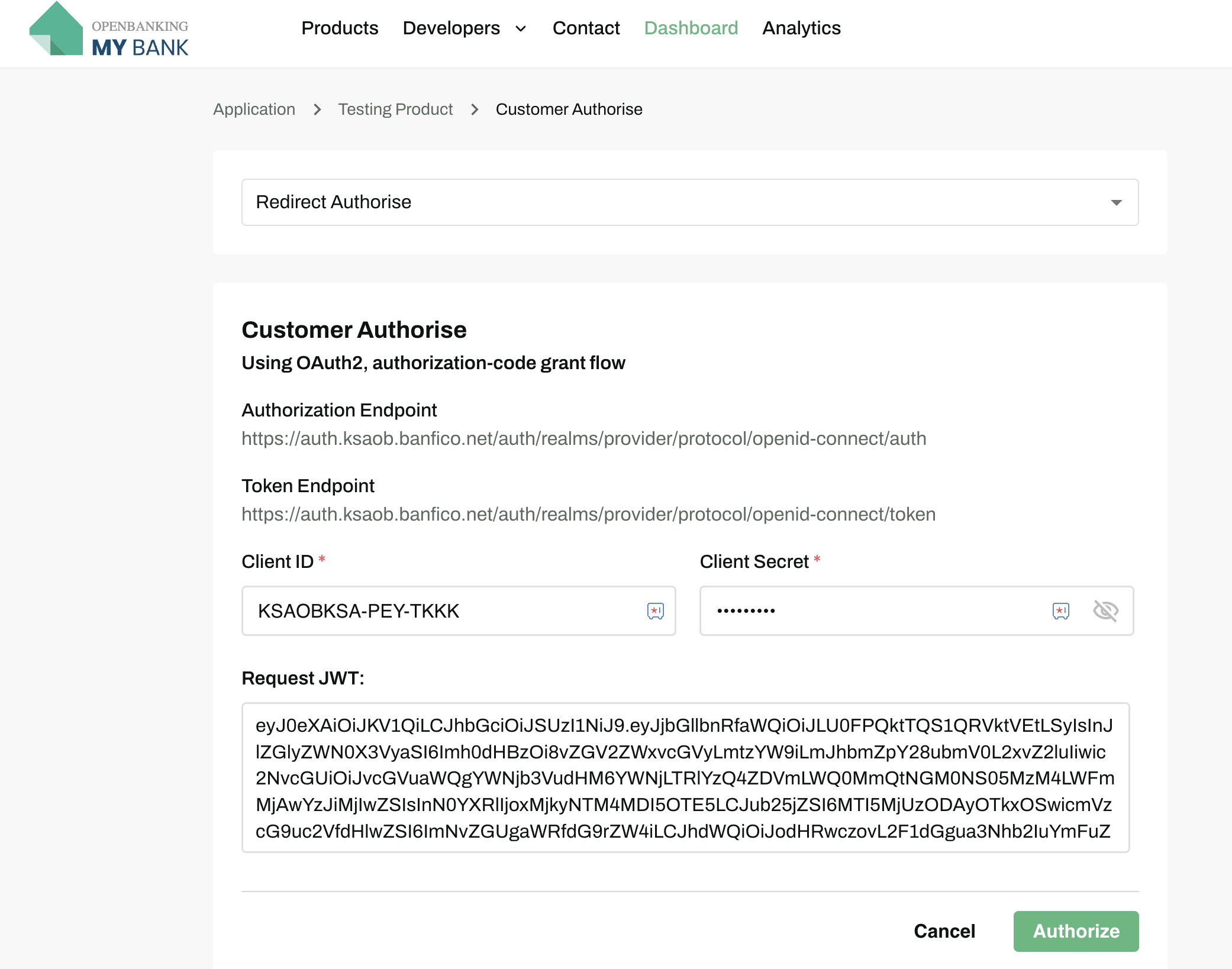
- On selecting Authorise, flow will be redirected to Core Bank Login page. Please refer to Core Bank Account creation for ensuring to have a correct PSU user credentials to authorise the PSU.
Decoupled Authorize Flow
- Select the Decoupled Authoriseand enter the core bank username as login-hint to proceed further
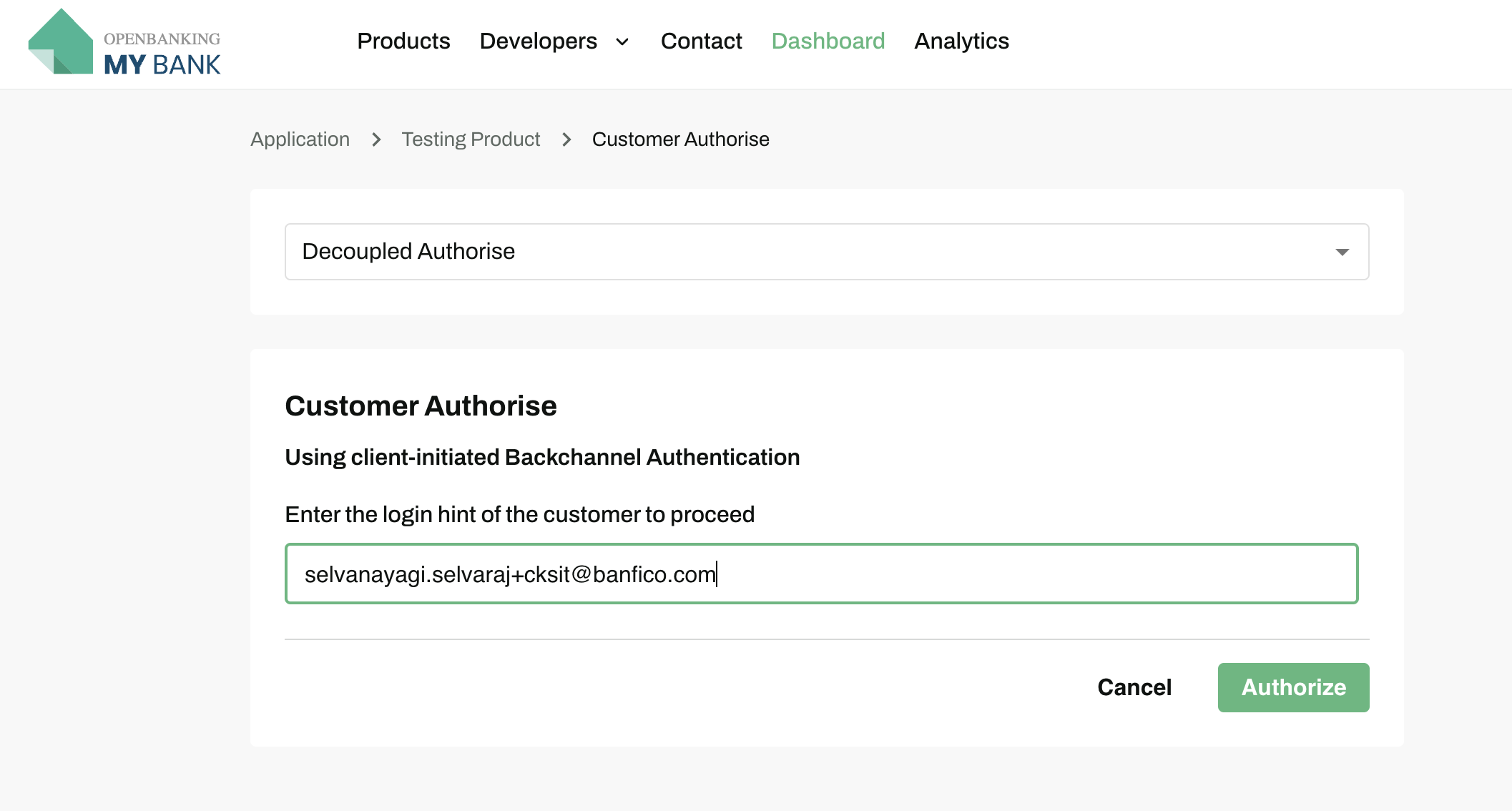
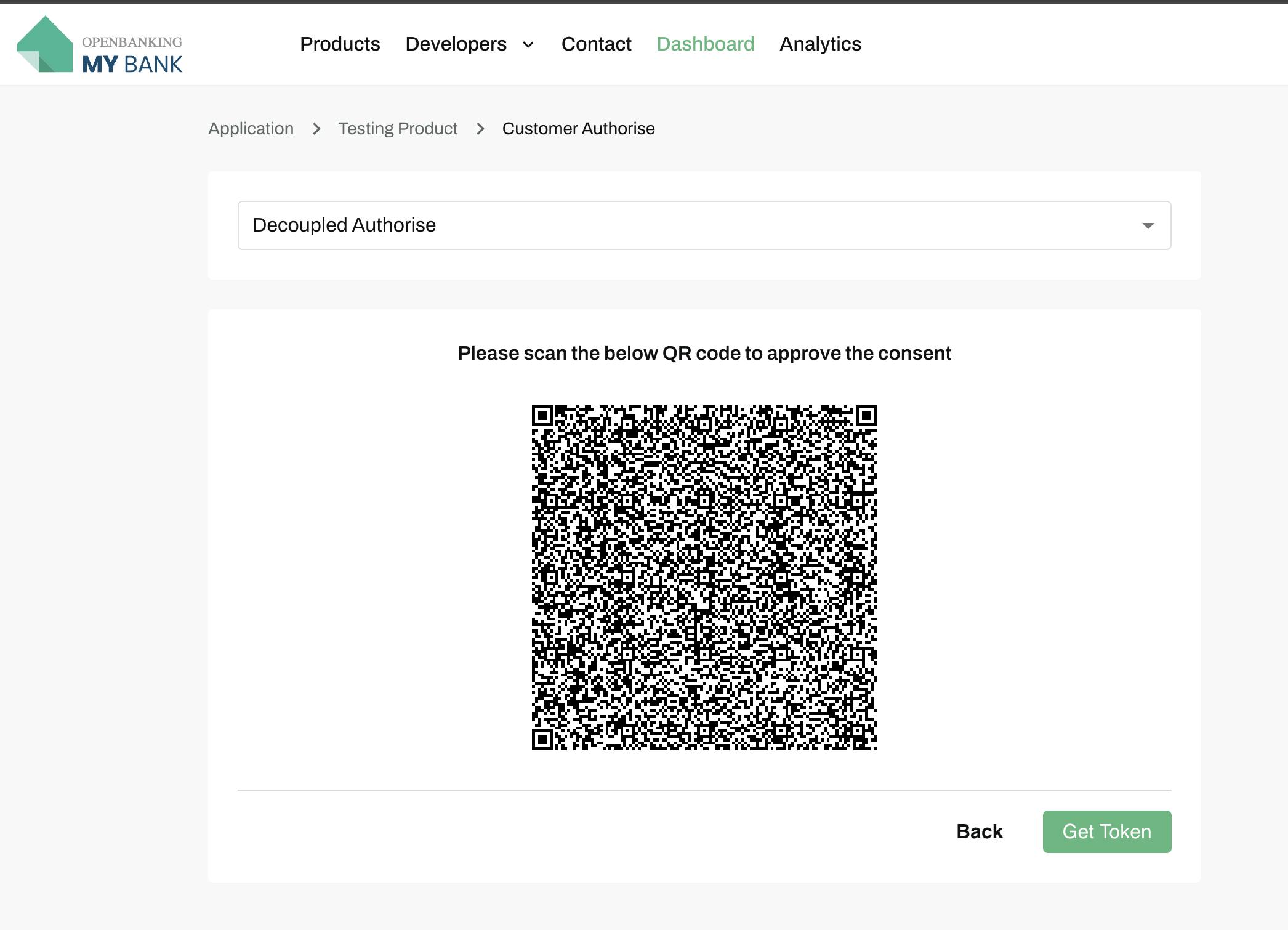
- On scanning the QR code, flow will be redirected to Core Bank Login page. Please refer to Core Bank Account creation for ensuring to have a correct PSU user credentials to authorise the PSU.
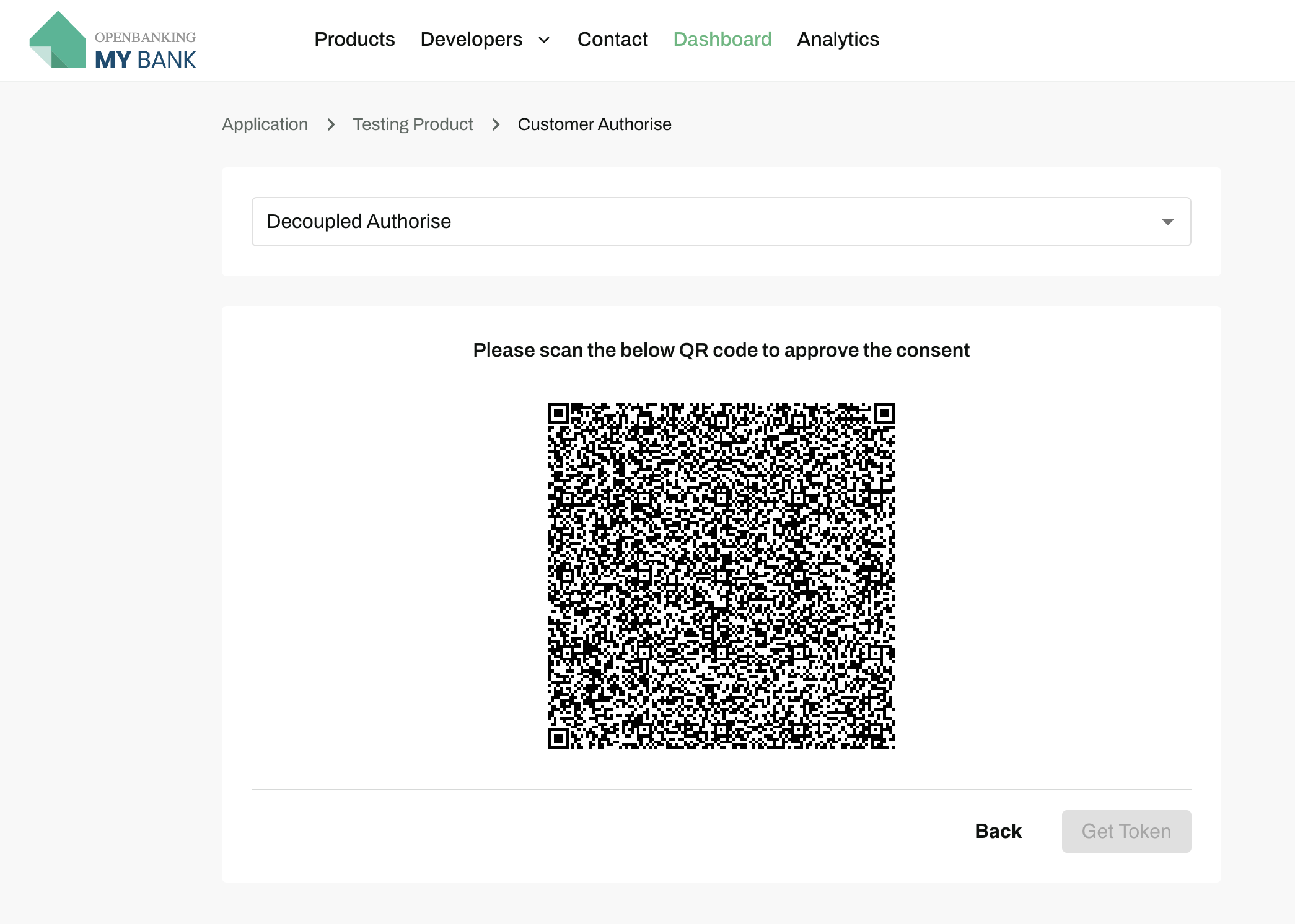
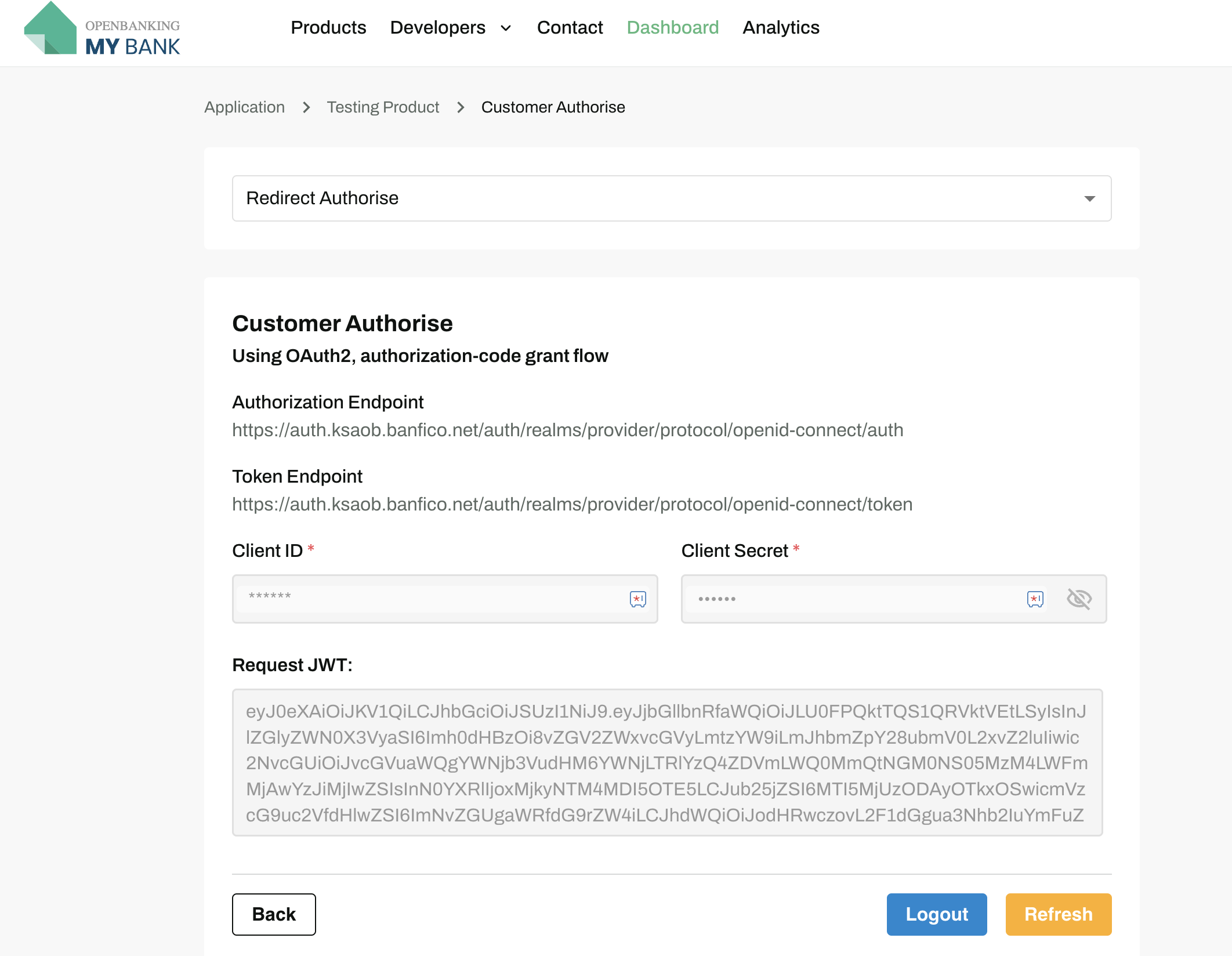
- PSU Token is generated now and while selecting Get Tokenit will be auto-populated to respective API Calls